
ECDL Online Course (ICDL) With Certificate
What’s Included in the ECDL Training Course
- Online Exams
- Student Support
- ECDL Certificate
- Lifetime Access (Exclusive)
- Unlimited Online Test Retakes (Exclusive)
£510 £254.99
Gain the skills employers look for with our ECDL Level 1 & 2 course. Learn Word, Excel, PowerPoint and more online, with flexible study, certification and practical office skills to boost your career.
Prices for our ECDL Online Course include online training, tutor support and a course completion certificate. Official BCS/ECDL exams are not included, but can be purchased separately through an authorised test centre if required.
RECOGNISED & VALUED BY:








ECDL Online — Digital Literacy Made Simple
3249 reviews
With the European Computer Driving Licence (ECDL) course, you can master the Microsoft Office suite online. Learn MS Word, Excel, Outlook, and more, while developing essential digital skills. Earn your ECDL certificate today and enhance your proficiency in key software applications!
£510 £254.99
Lifetime access
Job guarantee
Certificate
Learning Designed To Fit Your Needs
Discover how the ECDL course can meet your needs.
Build
Your Future
Boost
Confidence
Gain
Recognition
Obtain
Experience
Questions about ECDL? Contact Us!
Ask a trained advisor about any questions regarding the ECDL course requirements.
ecdl Course Overview
Your Step-By-Step Path to ECDL Level 1 & 2
This course walks you through the core Microsoft Office skills you’ll use day to day, building steadily from the basics through to real, practical confidence. It’s structured so each module builds on the last, with no prior experience needed to get started.
Level 1 ECDL

The ECDL Online Essentials module covers the basics of internet use, email, and online collaboration. You’ll learn how to browse the web securely, manage emails effectively, and use online tools for communication and teamwork. Perfect for building foundational digital skills.
Embark on a journey through essential computer skills with our european computer driving licence (ECDL) course. Covering 12 meticulously designed topics, this program offers fundamental knowledge and practical expertise.

The IT Security module provides learners with a comprehensive overview of IT security concepts and practices.
Learn more about what you can expect from an online ECDL course and whether this is for you by accessing our FREE trial.
Level 2 ECDL

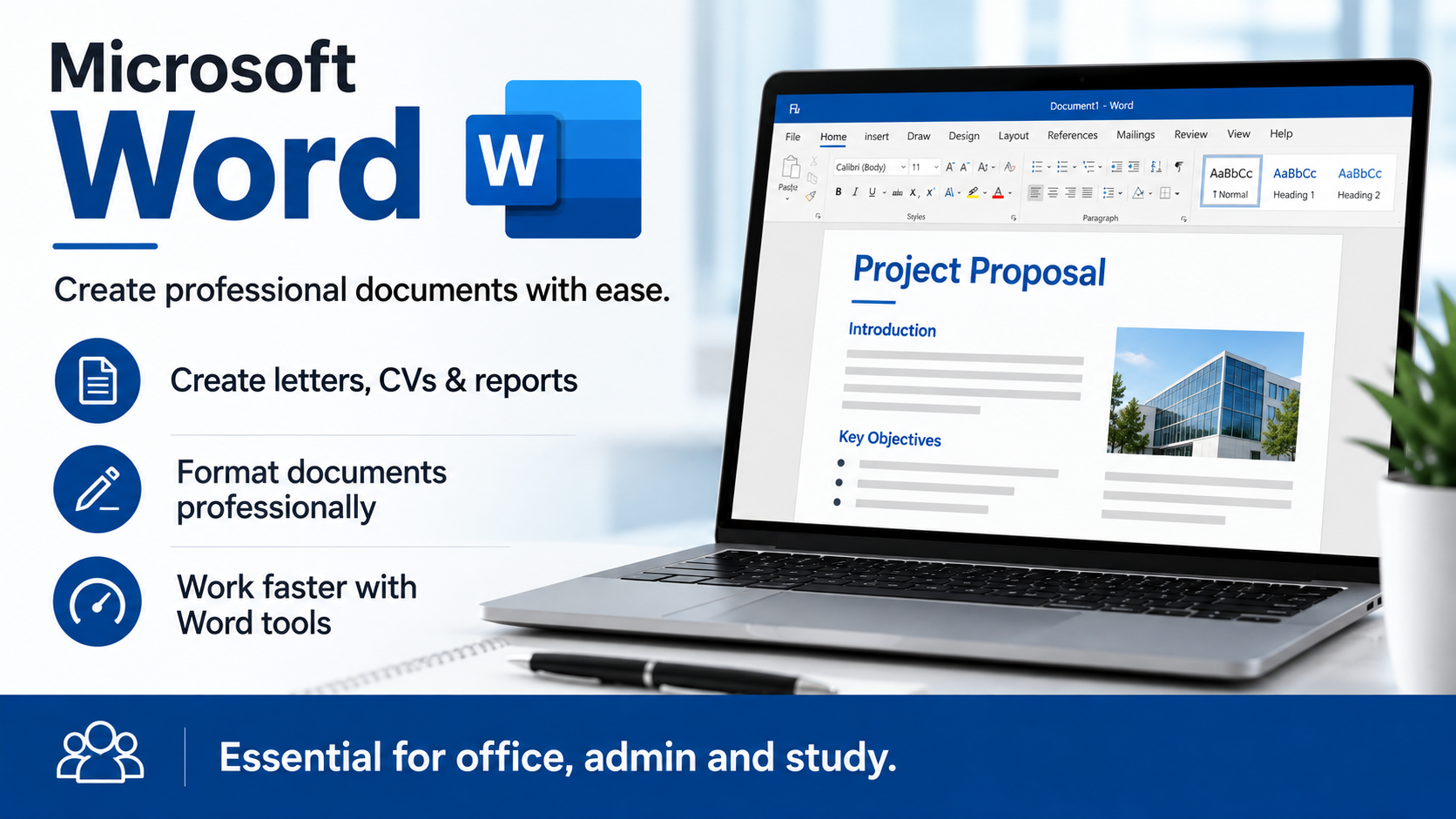
Dive into our Mastering Word Processing module to gain essential skills in writing, formatting, and editing professional documents. This course draws from the standards previously established by ICDL, equipping learners with the proficiency needed to excel in Microsoft Word.

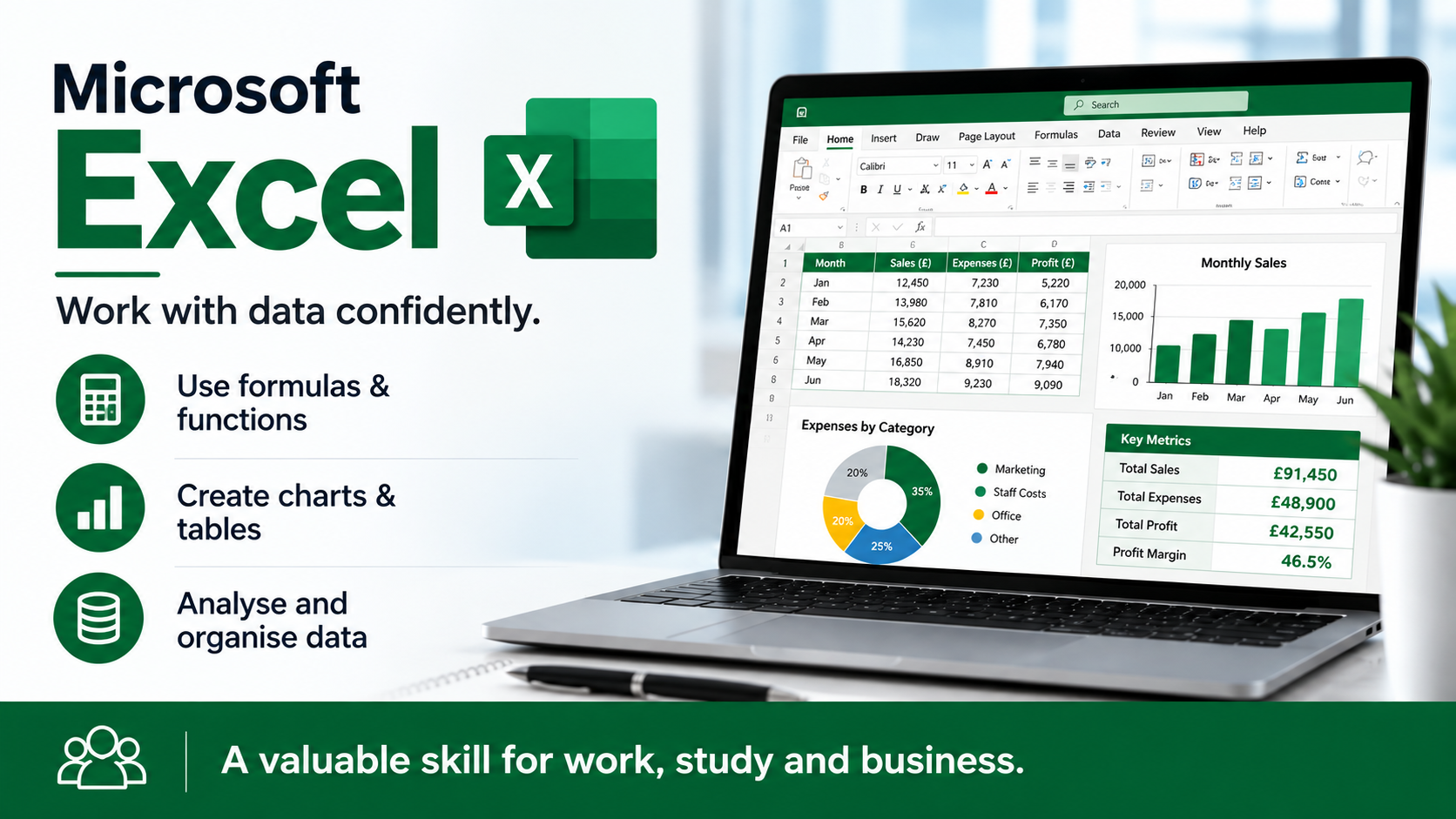
Our Excel Data Management module provides comprehensive training on creating, formatting, and analysing data using Microsoft Excel. This course incorporates key concepts that align with the standards of ICDL, offering you essential spreadsheet skills for effective data management.

Our Excel Data Management module provides comprehensive training on creating, formatting, and analysing data using Microsoft Excel. This course incorporates key concepts that align with the standards of ICDL, offering you essential spreadsheet skills for effective data management.

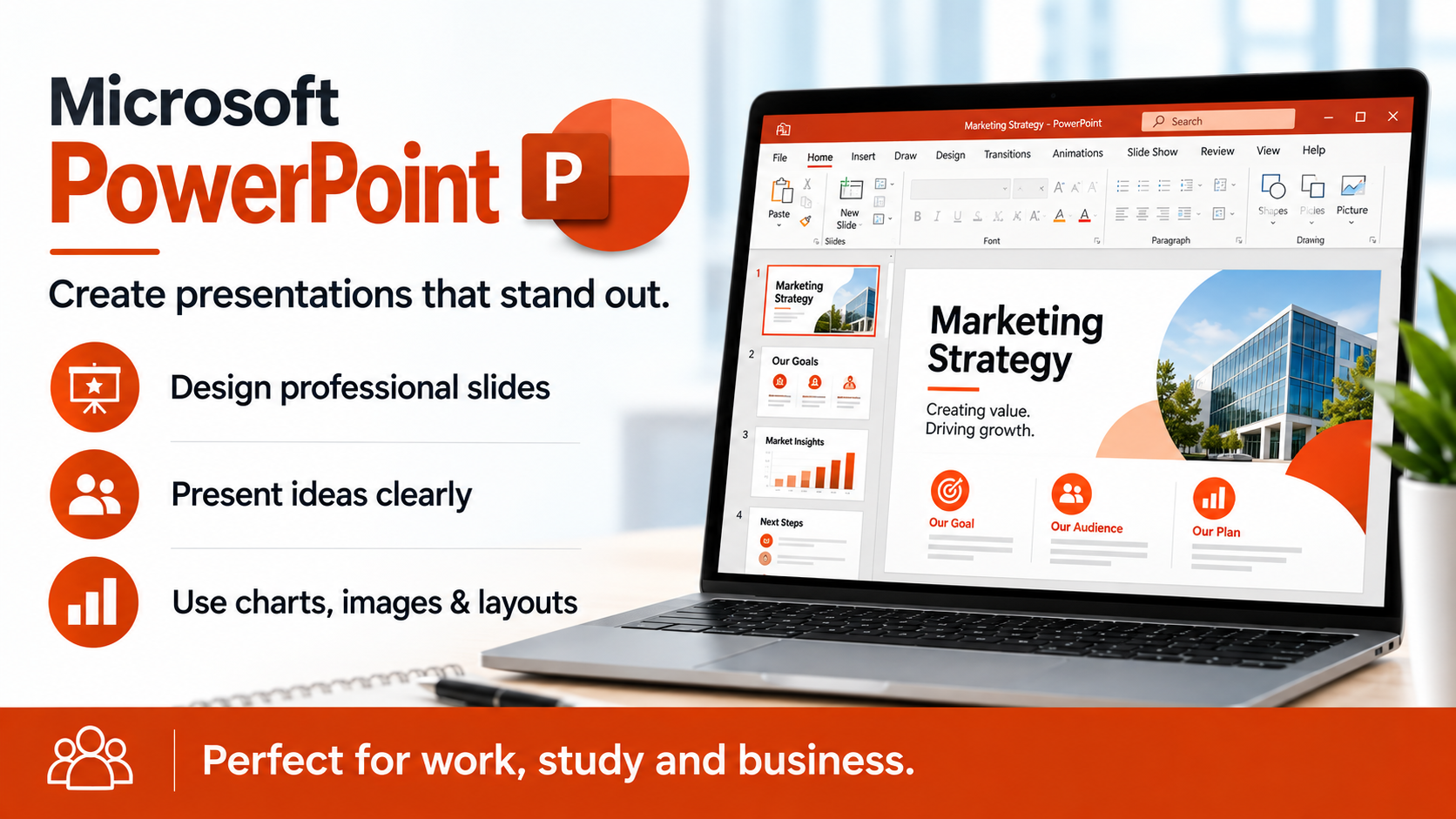
Our PowerPoint Presentation Skills module focuses on creating, formatting, and delivering impactful presentations using Microsoft PowerPoint. This training draws on concepts similar to those previously covered by ICDL, providing you with the expertise to craft compelling presentations.
Level 3 Advanced ECDL
- Formatting: Advanced text, paragraph, and document formatting, including styles and templates.
- References: Creating and managing indexes, tables of contents, citations, and cross-references.
- Automation: Using macros, building automated templates, and integrating with other applications.
- Advanced Editing: Track changes, comments, and collaborative editing features.
- Document Layout: Advanced layout options, including sections, columns, and graphics integration.
- Design: Advanced slide design, including themes, templates, and slide masters.
- Multimedia: Integrating audio, video, and other multimedia elements into presentations.
- Charts and Graphics: Creating and editing advanced charts, SmartArt, and other graphical elements.
- Animations: Designing and implementing complex animations and transitions.
- Collaboration: Managing, reviewing, and sharing presentations for collaborative work.
- Data Analysis: Using complex functions, formulas, and data analysis tools like PivotTables and PivotCharts.
- Charting: Creating and customising advanced charts and graphs.
- Macros: Recording, editing, and running macros to automate tasks.
- Data Management: Sorting, filtering, and using advanced data validation techniques.
- Collaboration: Sharing, protecting, and collaborating on workbooks.
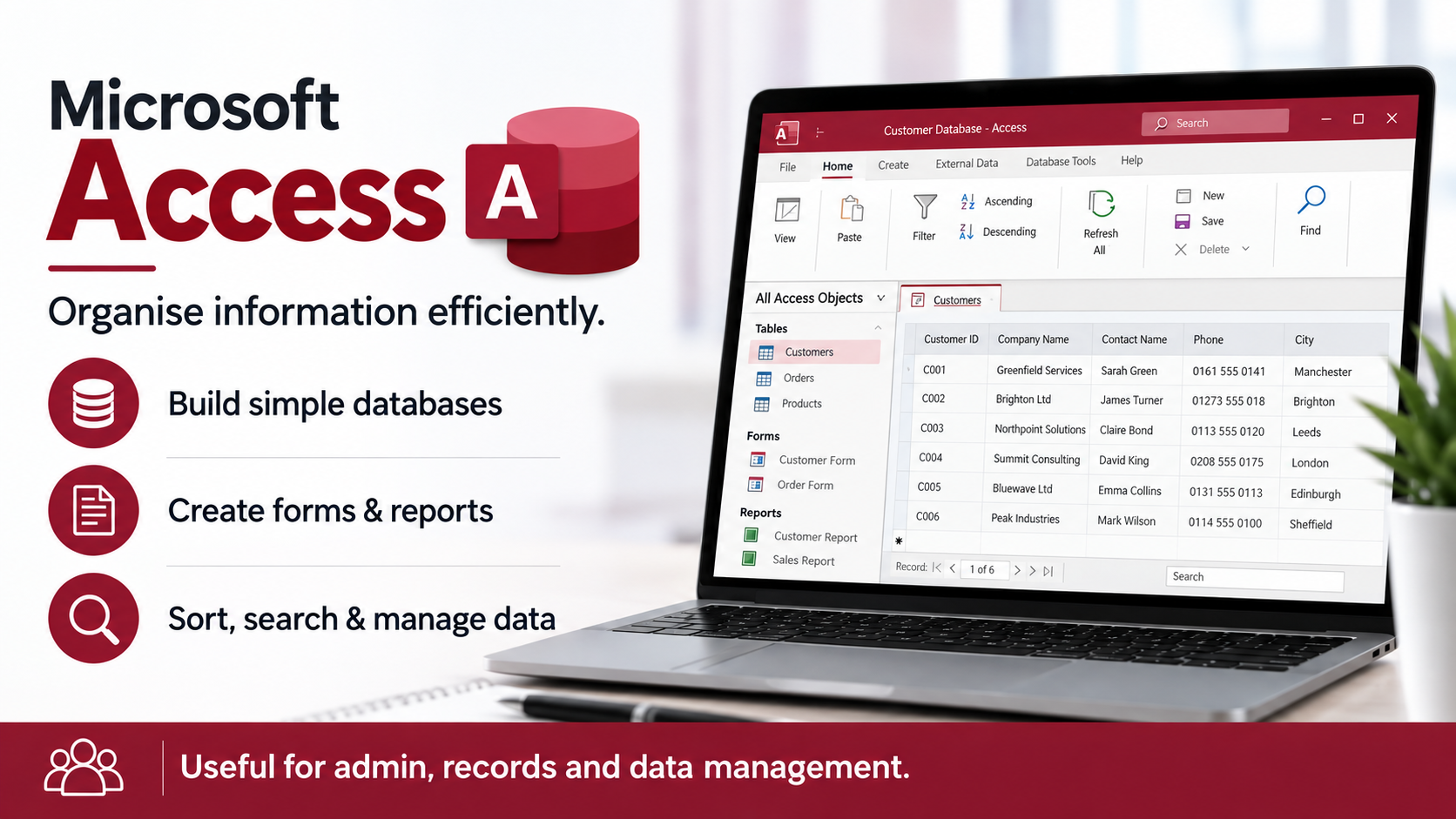
- Database Design: Understanding relational databases, creating tables, and defining relationships.
- Queries: Building complex queries to retrieve and manipulate data.
- Forms: Designing advanced forms for data entry and navigation.
- Reports: Creating comprehensive reports, including grouping and summarizing data.
- Macros and Modules: Using macros to automate database operations and an introduction to
ECDL Master Package
ECDL Course Packages
Looking for ECDL Level 1, 2 or 3 Advanced? We provide remote training certification for all ECDL levels.
3249 reviews
ECDL Level 1 & 2
Certificate Bundle
Full ECDL Certificate
£570 £254.99
FAQS
Popular questions
Still weighing things up? In that case, here are the questions people usually ask us before enrolling on an ECDL course.